Sitabula runs on Windows, iOS and Android with one account, and all three apps work on the same records. This page shows the version that is live today and what has been added recently.
The Windows app checks for a new version when it opens, then downloads and installs it itself. A required update installs before the sign-in screen, so everyone on the team works on the same version.
02
The mobile app updates from the store. If automatic updates are on, there is nothing else to do.
03
Updates do not touch your data: records stay on the server, and you carry on where you left off.
03 New
Recently added
01
Team and permissions
Users get a role, and each module is switched on per project; ready-made role templates are a starting point.
An admin invites a teammate by email; the invited person arrives with their role and projects.
Interim payments, quotes, material requests, daily reports, timesheet months and work-item quality go for approval. A company can turn on two-step approval for interim payments.
The activity log shows who changed which record, and when.
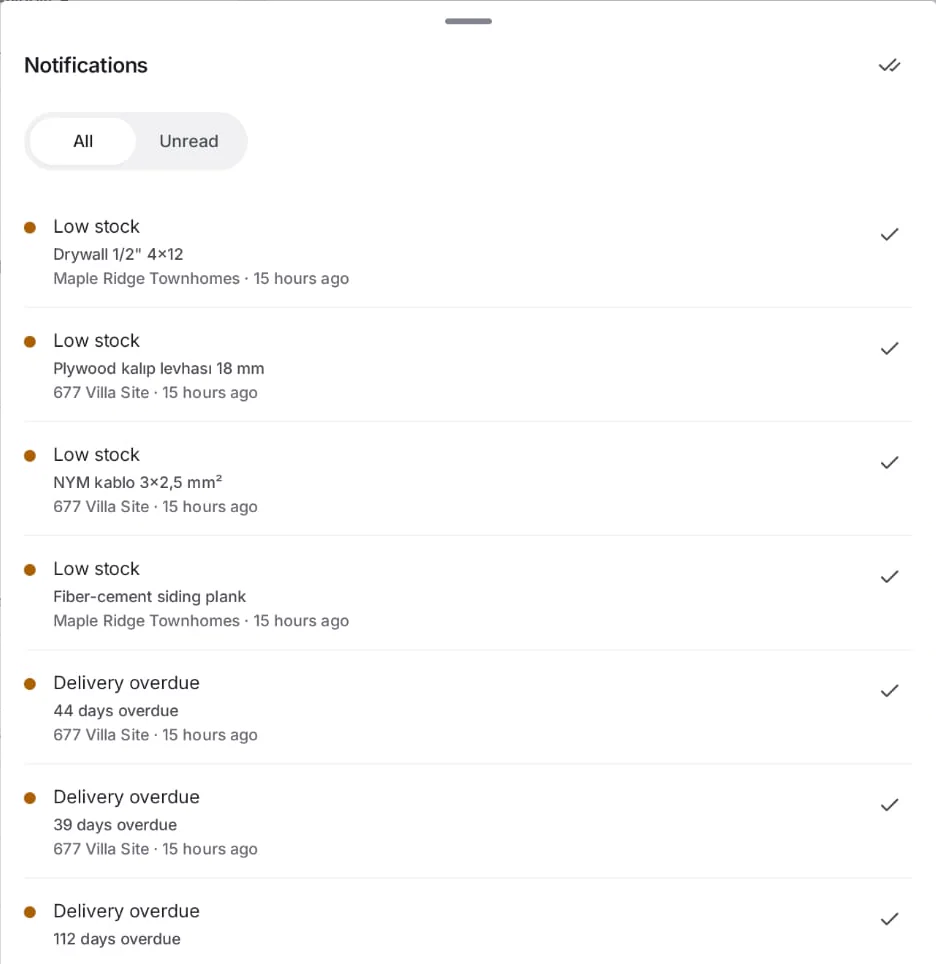
Notifications for work waiting on you: desktop notifications on Windows, push notifications on phones. Quiet hours are set in Settings.
An admin can download all company data, and each user their own data, as one archive from Settings.
02
Site
Daily reports carry safety incidents, visitors, inspections, photos and shifts; a report can be approved and locked.
Timesheets have a daily grid, attendance codes, regular and overtime hours; a returning worker is re-hired as a new period. ID number is optional.